
DJI drone battery maintenance
DJI Drone Battery Maintenance — Complete 2026 Guide
Complete guide to DJI drone battery care: proper charging, Li-Po storage, wear signs, mistakes to avoid, and when to replace. Expert tips from DroneDoctor Service.
· 12 min
Introduction
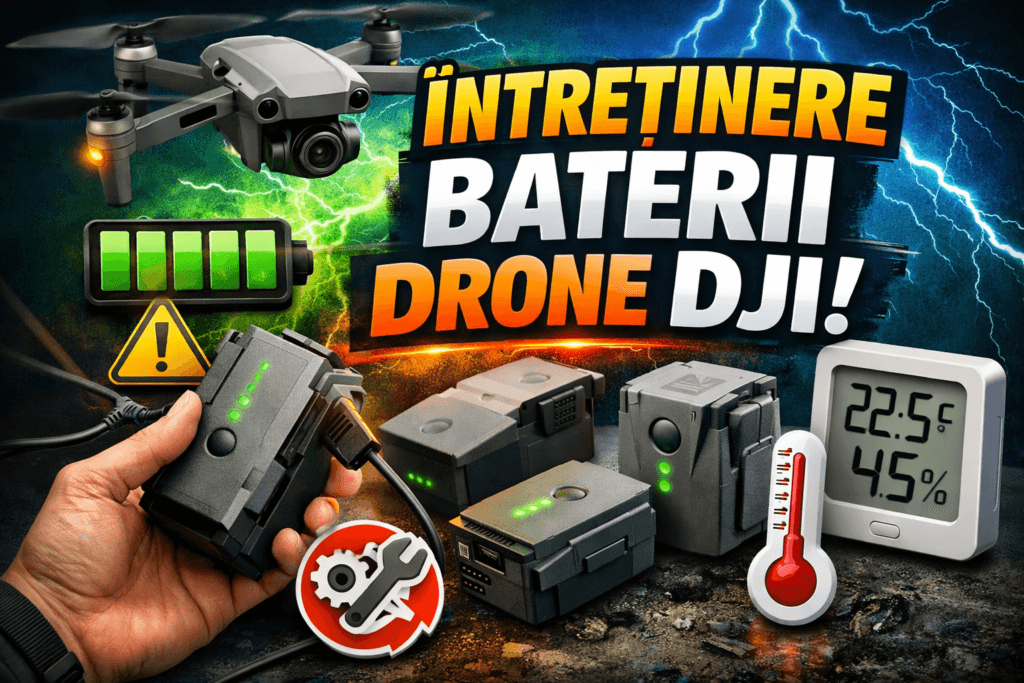
The intelligent Li-Po and Li-HV batteries used in DJI drones pack high energy density, but they're sensitive to how they're used and stored. DJI drone battery maintenance is essential to prevent problems and ensure consistent performance.
A poorly treated battery can swell, lose capacity quickly, or — in extreme cases — catch fire. On the other hand, proper care can give you dozens or hundreds of flight cycles without issues, maintaining range and safety.
In this guide you'll learn how to charge correctly, store short- and long-term, recognize wear signs, and what to do when it's time for a replacement.
Why DJI drone batteries are sensitive
DJI drone batteries are Li-Po (lithium polymer) or Li-HV (high-voltage) types, with a nominal voltage of ~3.7 V per cell and a maximum of 4.2 V (or 4.35 V for HV variants). These cells are lightweight and deliver high current, but they don't tolerate abuse:
- Overcharging (above 4.2 V/cell) or deep discharge (below ~3 V/cell) rapidly degrades electrolytes and can cause swelling.
- Extreme temperatures affect internal chemistry. Exposure to excessive heat (above 60 °C) or extreme cold can trigger thermal runaway.
- Mechanical shocks and unsuitable chargers can destroy cells or create large voltage differences between cells — dangerous when the gap exceeds 0.1 V.
- During charging, Li-Po batteries can release toxic gases; they must be supervised and charged in a well-ventilated space.
How to charge your drone battery correctly
Proper charging extends battery life and prevents swelling or fire. Follow these essential rules:
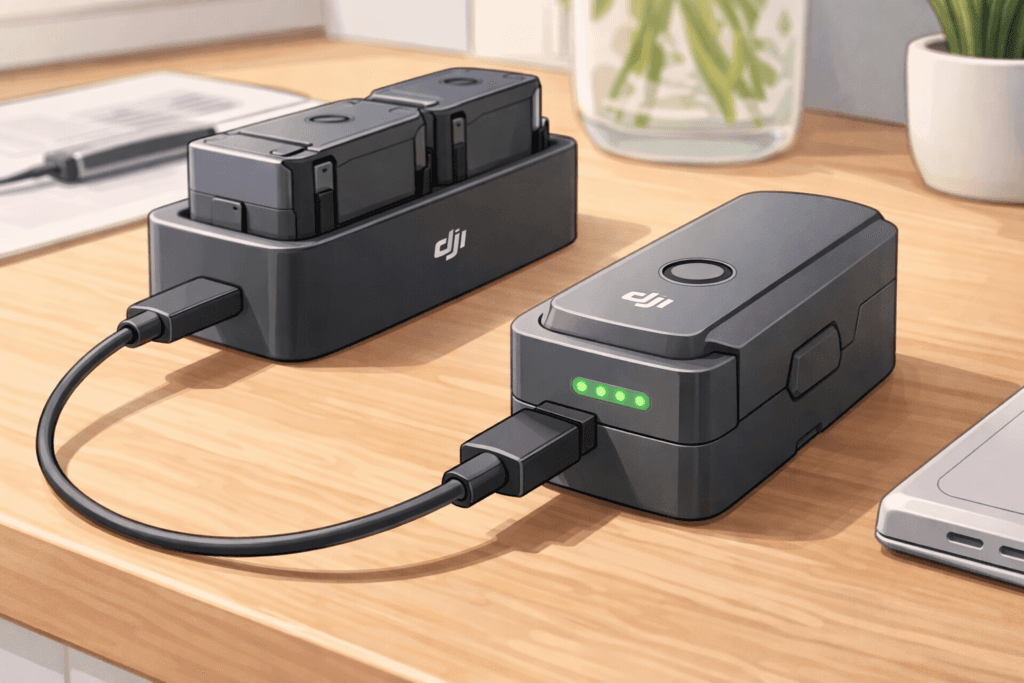
- Use the original charger — Charge only with DJI or certified compatible chargers. Low-quality third-party chargers can overcharge or unbalance cells.
- Never leave the battery unattended — Supervise charging and don't place batteries on flammable surfaces.
- Let it cool after flight — Allow the battery to cool naturally before connecting the charger. Don't force-cool in a fridge — thermal shocks reduce useful cycles.
- Charge at moderate temperatures — Choose a cool, dry place (20–25 °C). Avoid humidity, dust, and temperatures below 5 °C or above 40 °C.
- Don't charge fully for storage — For flying, 100% is fine, but don't keep batteries at full charge long-term. Charge to 100% only before a flight.
- Avoid deep discharge — Don't let the battery drop below 20% or 3.2 V per cell. Discharge to ~5% (auto landing) only for periodic capacity calibration.
- Calibrate periodically — Every 10 partial charges or every three months: fly until auto-land (~5%), charge fully, then use and charge normally.
How to store your battery correctly
Improper storage is one of the main causes of swelling or premature degradation. Follow these tips:
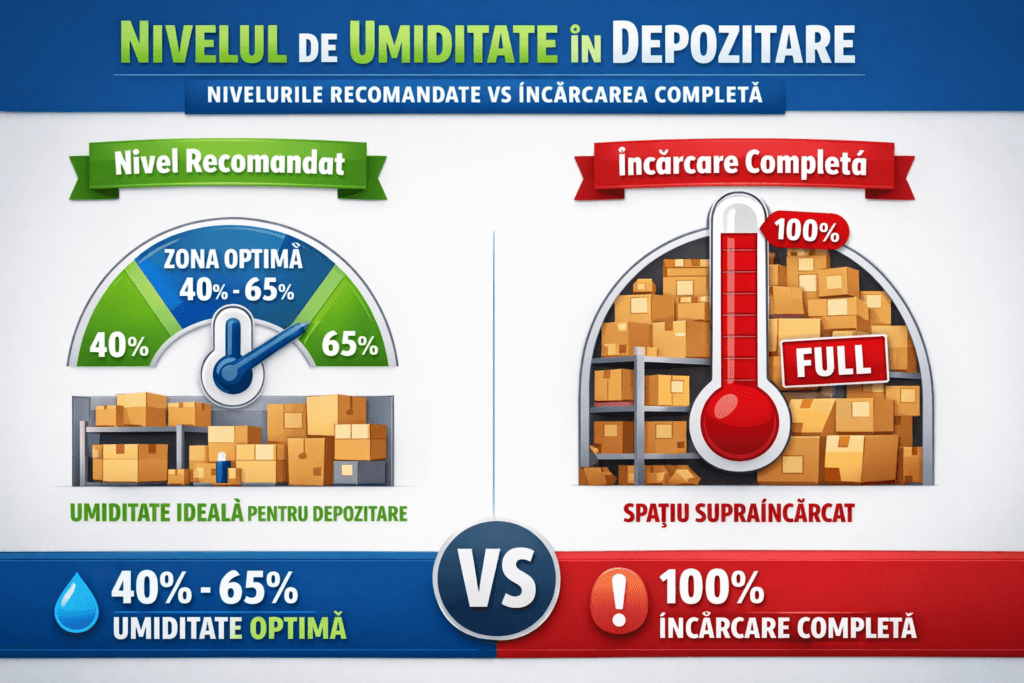
- Keep at 40–65% (3.8 V per cell) — For storage, discharge to 40–65%. Smart batteries auto-discharge to ~60% after a few days of inactivity.
- Optimal temperature — Store in a dry environment at 18–26 °C. Avoid sun, heat, or freezing.
- Use fireproof containers — Keep batteries in a Li-Po safety bag or ventilated metal container.
- Store separately from metal objects — Don't let contacts touch coins, keys, or other metals to avoid short circuits.
- Check periodically — Every 2–3 months, check charge level and condition; recharge to storage level if voltage dropped too low.
Common mistakes that destroy batteries
Many pilots shorten battery life with the same mistakes. Here's what to avoid:
- Storing at 100% — Leaving batteries fully charged for long periods can lose ~5% capacity in just 30 days.
- Deep discharge — Using the battery below 3.2 V/cell or below 20% degrades internal chemistry.
- Neglecting regular cycles — Batteries left unused for months degrade faster. Rotate and cycle all your batteries.
- Charging hot or cold batteries — Connecting the charger right after flight or below 5 °C increases internal stress.
- Using unsuitable chargers — Chargers without balancing can overcharge individual cells.
- Keeping in humid or hot environments — Humidity and extreme temperatures promote corrosion and swelling.
- Neglecting cleanliness — Dirt and sand on contacts can cause short circuits; clean terminals and ports periodically.
Signs your battery is faulty
A damaged battery can endanger your drone and yourself. Watch for these signs:
- Swelling or leaks — A swollen, leaking, or cracked battery must be retired immediately.
- Corroded or broken contacts — Oxidized terminals can cause sudden voltage drops in flight.
- Large cell voltage differences — A gap over 0.1 V between cells indicates a problem; check voltage in the DJI app.
- Sudden range drop — If the drone loses power quickly, especially below 30%, the battery is worn.
- Excessive heating — If the battery heats up during normal use or internal resistance spikes, it's time to replace.
- Error messages — DJI apps display errors when the battery no longer works correctly; take these alerts seriously.
When to replace the battery
Li-Po batteries have a limited lifespan; capacity drops after a certain number of cycles. General guidelines:
- Cycle count — A DJI battery typically lasts 300–500 cycles, though some models reach 1500. Replace if you notice significant range loss before that threshold.
- Visible defects — Swelling, leaks, cracks, or damaged contacts require immediate replacement.
- Persistent voltage differences — If large cell gaps or errors persist after two full charge-discharge cycles, the battery is at end of life.
- Increased internal resistance — Rising resistance or unjustified heating indicates chemical degradation.
What to do when your drone battery stops working
When a battery is worn or faulty, follow these steps:
- Stop using it immediately — Remove the battery from the drone and don't use it again.
- Fully discharge before recycling — DJI recommends controlled full discharge before disposal. Never throw Li-Po batteries in household trash.
- Don't throw in household waste — Batteries contain hazardous substances; take them to a collection center or contact an authorized Service.
- Contact DroneDoctor — We offer free diagnostic, replacement with genuine DJI batteries, and free nationwide courier shipping. If you suspect an issue, send your drone for evaluation.
Need Service?
Send your drone for free