
DJI drone maintenance
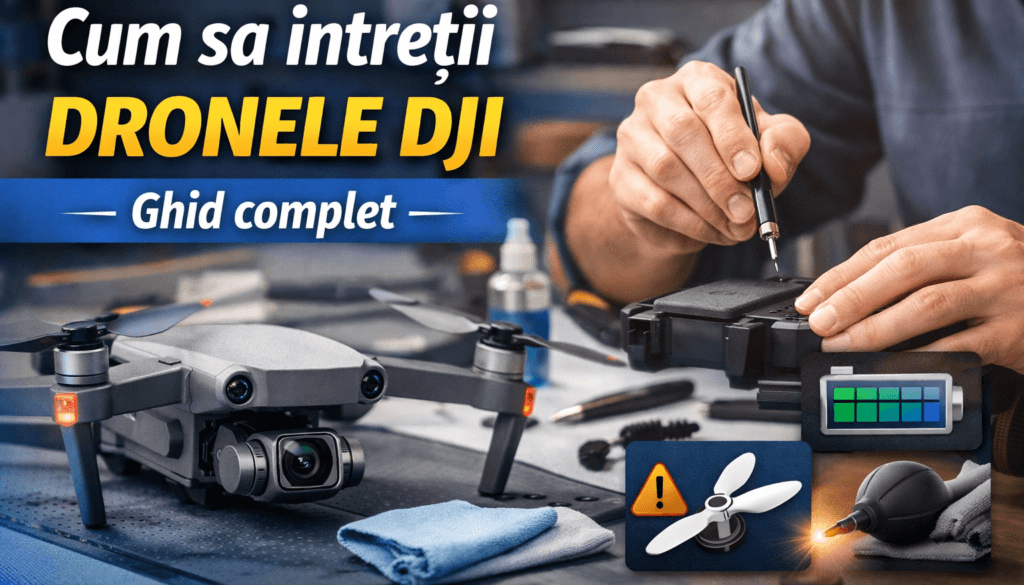
How to Maintain DJI Drones: Complete Guide
Learn how to maintain DJI drones for safe flights and long service life. Complete guide: batteries, propellers, sensors, maintenance schedule, and proper storage.
· 10 min
Introduction
DJI drones combine motors, sensors, cameras, and Li-ion batteries in a compact, complex device. These components work together for stable flights and quality footage, but they require constant care.
Proper maintenance reduces accident risk and extends drone life. In this article you'll learn what a full service entails — from battery and propeller care to sensor cleaning and a maintenance schedule.
The main benefit? Greater safety and lower costs through prevention. For complex repairs, DroneDoctor services are available.
Why DJI drone maintenance matters
Drones are exposed to vibration, dust, humidity, and temperature swings. Motors and propellers wear gradually, sensors can get dirty, and batteries degrade if not managed correctly.
A maintenance program keeps components in optimal condition, reduces app errors, and prevents accidents. Regular care protects your investment and ensures safe flights.
Battery care
DJI drones use Li-ion/Li-Po batteries sensitive to temperature and voltage. To extend their life:
- Don't store batteries fully charged or fully discharged — for long-term storage, keep the level at 40–60% (~3.6–3.9 V per cell).
- Charge only with the original charger and avoid extreme temperatures — charge between 5 °C and 40 °C, store at 15–25 °C; don't charge immediately after a flight.
- Fly regularly and run calibration cycles — every ~20 flights, do a full cycle (discharge to ~5% then full charge) to recalibrate the internal indicator.
- Let the battery cool naturally before charging — don't cool it artificially or put it in the fridge.
- Don't stockpile unused batteries — cells left on the shelf for over six months without cycling degrade; label batteries and rotate usage.
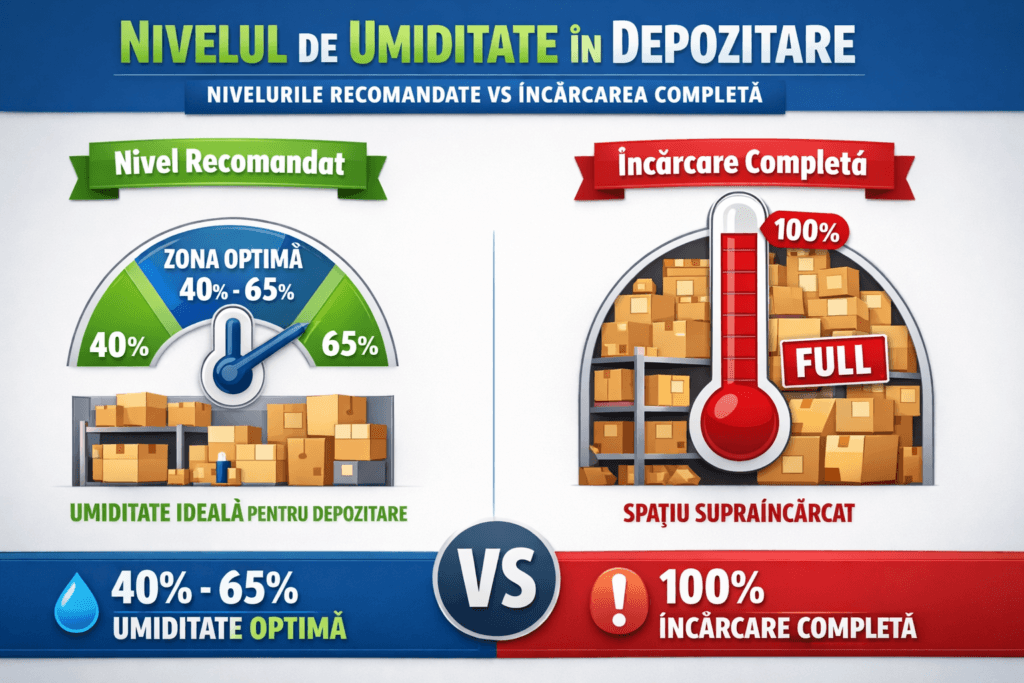
Battery care
Periodic recalibration and responsible use prevent swelling or premature failure. If you notice voltage differences between cells or a swollen battery, replace it — don't attempt repairs. For full details, see our dedicated DJI battery maintenance guide.
Propeller inspection and maintenance
Propellers generate lift and ensure stability. A damaged propeller can cause vibration and loss of control:
- Visually inspect each propeller before flight — look for cracks, chips, abrasion, or deformation and ensure they spin freely.
- Clean propellers after every session — remove insects, sand, or dust with a soft cloth.
- Replace propellers periodically — after roughly 30 flight hours or ~200 flights, and immediately after contact with grass, branches, or other objects.
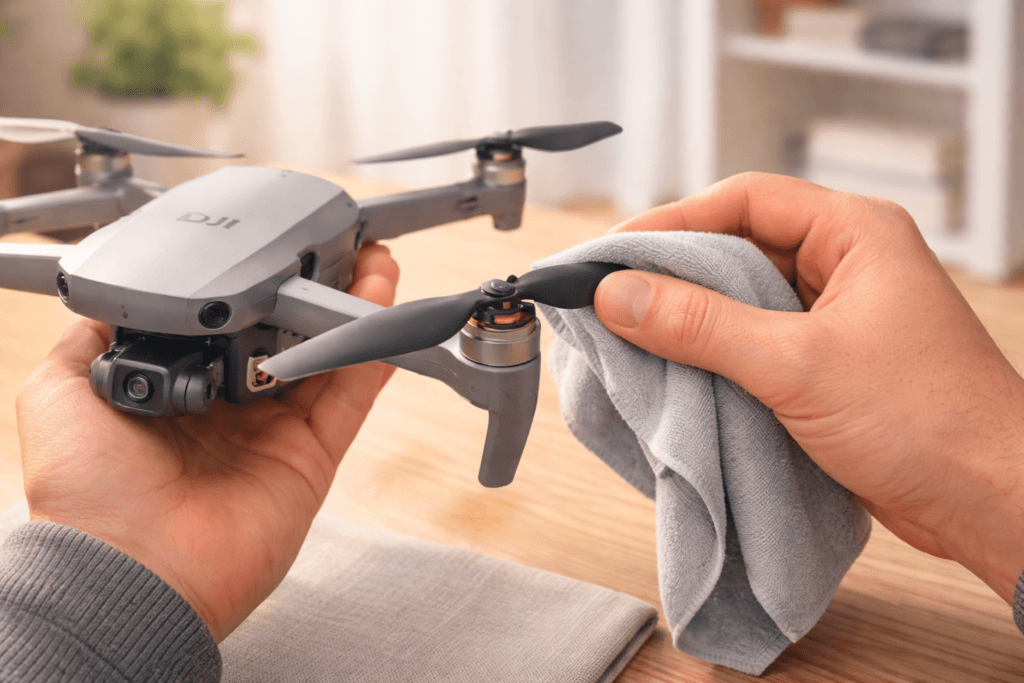
Propeller inspection and maintenance
Make sure propellers are firmly attached to the motors. An unbalanced propeller can fail in flight.
Sensor and camera cleaning
Visual, ultrasonic sensors and the camera provide essential data for stabilization and image quality. A dirty lens can cause errors or blurry footage:
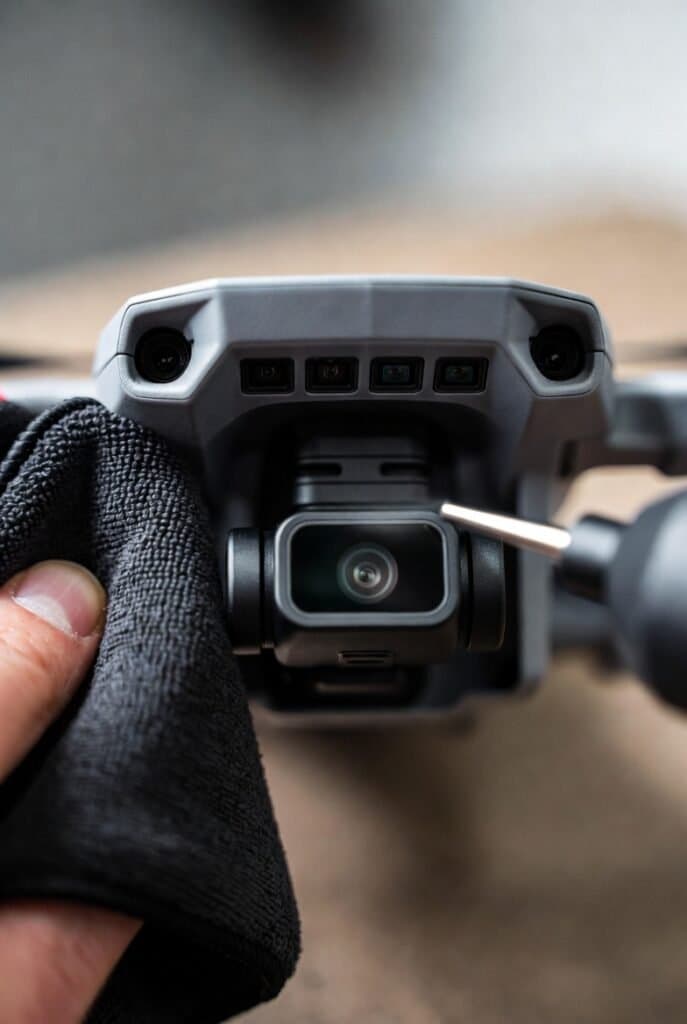
- Use a microfiber cloth and air blower — avoid abrasive wipes that can scratch lenses.
- Clean the camera lens with a dedicated tool (lens pen) — start with the soft brush, then use the cleaning pad.
- Keep the gimbal protected — when not flying, attach the gimbal guard to prevent impacts and dust buildup.
Sensor and camera cleaning
Careful cleaning keeps sensors functional and images sharp.
Regular maintenance schedule
A well-structured maintenance routine prevents unexpected problems. Follow a program in four stages:
Regular maintenance schedule
Pre-flight (before every flight)
Essential checks before takeoff:
- Visually inspect the airframe and propellers, tighten screws, and remove dust.
- Check battery level (>50%) and battery integrity (no swelling or leaks).
- Quickly clean sensors and lenses; attach the gimbal and check mounting.
- Calibrate the gimbal if the app requests it; wait for GPS lock and check firmware updates.
Regular maintenance schedule
Every 10–15 flights
Intermediate maintenance for mechanical and software components:
- Thoroughly clean the drone body, motors, and ventilation slots.
- Update firmware and check the landing gear and housings for cracks.
- Format the microSD card after backing up footage and test motor operation.
Regular maintenance schedule
Every 2–3 months
Periodic review of critical systems:
- Replace worn propellers and deep-clean sensors.
- Calibrate the IMU and compass per app instructions.
- Run a full charge-discharge cycle for the battery and check cell health.
Regular maintenance schedule
Professional service
For a full evaluation, authorized service should be done every 6–12 months or after roughly 200 flight hours. Technicians can test motors, internal calibrations, and identify hidden faults, extending drone life.
Long-term storage
If you won't use the drone for an extended period, follow storage rules to avoid deterioration:
- Keep the battery at 40–60% and store at 15–25 °C in a dry place away from direct sun.
- Attach the gimbal guard; if space is tight, remove propellers.
- Place the drone in a bag or protective case to prevent impacts.
- Every 2–3 months, power on the drone and do a short flight to keep components active.
Common mistakes to avoid
Avoid these common mistakes that can compromise your drone:
- Storing batteries fully charged or fully discharged — they degrade quickly.
- Ignoring firmware updates and calibration prompts — these prevent software errors and stability issues.
- Flying with damaged propellers or dirty motors — can cause vibration, motor short-circuits, and accidents.
- Incorrect sensor cleaning — abrasive wipes can scratch lenses.
- Leaving the drone in a hot car or direct sunlight — excessive heat damages electronics and batteries.
- Charging batteries while still hot — wait for natural cooling.
- Using unapproved accessories and DIY repairs — can compromise safety.
Conclusion
DroneDoctor offers free diagnostics, free courier shipping, and fast repairs with genuine DJI parts. Schedule a service or repair — don't let minor faults become major problems.
Need Service?
Send your drone for free